
The AI companion that lives on your desktop and gets things done

Desktop Companion is a fully customizable animated character that lives on your Windows desktop. It sees your screen, talks out loud, remembers what you told it last week, and can search the web, read a page, write a file or open an app when you ask. Local AI in both editions. On itch.io, use your own cloud key if you prefer.

Get it on itch.io Wishlist on Steam (100% local edition)

One-time purchase of $12.90. Early access, lifetime license.

Windows 10 and 11, 64-bit. For adults (18+). Created by a solo developer in France.

People are already hooked

What people are saying on itch.io.

“I've used Replika, Kindroid, and several others, but honestly, DC with Gemini API is hands down the most immersive and entertaining AI Companion I've used. I'm very impressed.”

JimsJunk

“Easily the best graphical LLM UI I have used yet. Painless, smoothly integrated and extraordinarily intuitive.”

Arketer

“The best AI companion I have tried. Keep up the work!”

xxdolcexx

“I'm really amazed at how well implemented it is. Really simple and clean to use.”

H1ghSyst3m

Read more on itch.io

What it can do

Six things a chat tab can't.

Sees your screen

Turn on screen vision and it looks at what you're looking at: a game, a spreadsheet, a page you're stuck on. Ask about it, or let it chime in. In the Steam edition, and in local mode on itch.io, the captures never leave your PC. With a cloud key on itch.io, they go to your provider.


Talks and listens

Talk to it out loud and it answers in its own voice, with subtitles if you want them. Both editions support local voices and voice cloning. The itch.io edition also supports cloud voices with your own key.

Does things for you

Ask it to search the web, read and summarize a page, write or edit a Word or Excel file, or open an app. Neither edition requires an API key or account.

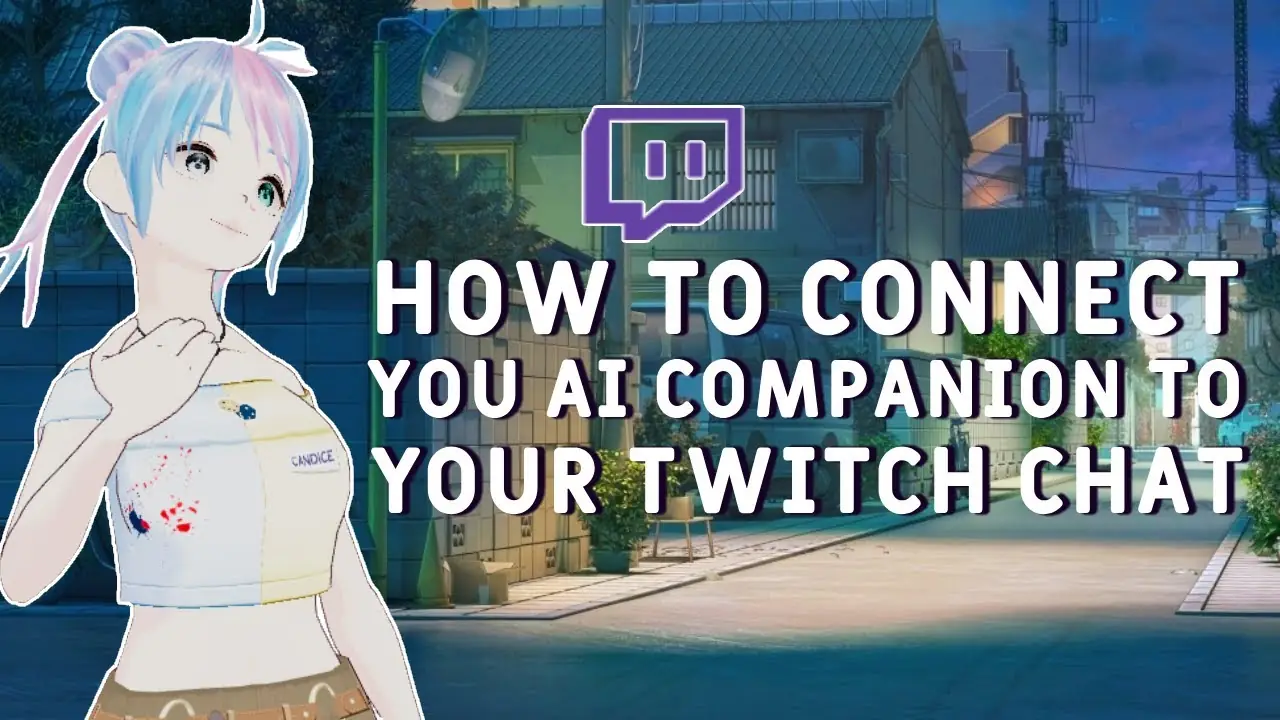
Joins your Twitch stream

Connect your Twitch account and it reads chat aloud and answers viewers in its own voice while you keep playing. Available in both editions.

Remembers you

It remembers what matters from your conversations: your name, your projects, the joke from last Tuesday. In both editions, memories live on your PC and you can read or delete them anytime.

Your character, your avatar

Nine characters ready to go, or build your own: a personality, a voice, and a Live2D or VRM model. You can bring your own VRM. Drag it anywhere on the screen, resize it, or spin a 3D avatar around. Available in both editions.

Nine characters, none of them a blank slate

Each one has a look, a voice and a personality. Talk to one for a week and it'll remember how the week went.

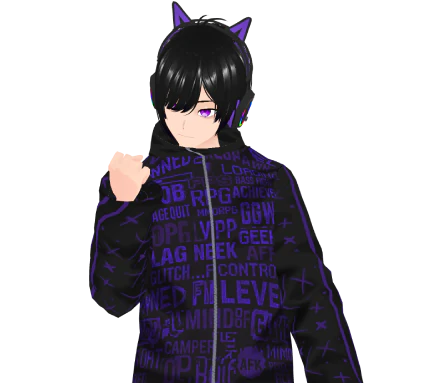
Michael, the gaming buddy, an AI character in Desktop Companion

Michael

The Gaming Buddy

Your high-energy AI gaming companion: keeps up with your game, hypes your wins, talks just enough trash.

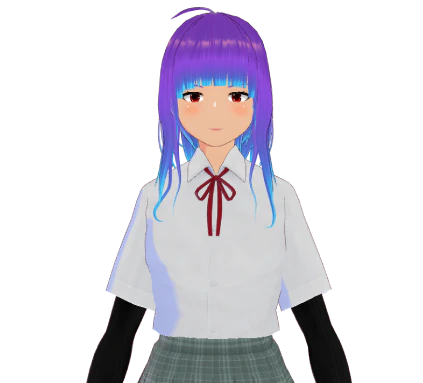
Lyra, the creative muse, an AI character in Desktop Companion

Lyra

The Creative Muse

The idea amplifier that interrupts with “Wait, what if it also rained?” and makes the whole project ten times better.

Marc, the stoic coach, an AI character in Desktop Companion

Marc

The Stoic Coach

A direct, no-coddling AI coach. The accountability partner still in the gym with you long after everyone's gone home.

They're all AI: good company, not people, and the app never pretends otherwise.

Or make your own: Write the personality, pick (or clone) a voice, and drop in a VRM model.

Meet the characters

Two editions. Pick the one that fits your PC.

Same app, same characters, same tools, same voices on your PC. The main difference: with itch.io, you can also plug in your own cloud AI provider and use cloud voices with your own key.

Edition
itch.io edition
Steam edition
Availability Out now, in early access Early access from October 15, 2026
Price One-time fee: $12.90. Lifetime license. Early access price: $12.90. Get 30% off during the first 14 days after launch.
Where the AI runs On your PC, or with a cloud provider using your own API key On your PC only. No account, no key, no subscription, no external AI service.
Voices Local voices and voice cloning, plus cloud voices with your own key Local voices and voice cloning
Tools Included. Run tools locally or through your cloud provider for faster performance. Included, using a small local model
Runs on With a cloud AI provider, a recent laptop with a decent CPU is enough. No recent graphics card with at least 8 GB of VRAM? You'll need a cloud provider. To run everything locally, you'll need the same specs as the Steam edition. A recent graphics card with at least 8 GB of VRAM (12 to 16 GB recommended to run everything locally), 16 GB of RAM, 30 GB of free disk space, Windows 10 (1903 or later) or Windows 11, 64-bit, a CPU with AVX2

Not sure? The itch.io edition is the more flexible option, and it runs on more machines. If you have a graphics card with 8 GB of VRAM and want no cloud AI at all, Steam is for you.

Who it's for

A few of the ways people use it.

It stays on top of your windows. Drag it wherever you want, make it bigger or smaller, and it talks back whenever you feel like chatting.

Anime-style VRM characters, a Japanese voice with subtitles when you switch on anime mode, and a tsundere or a yandere if that's your thing.

While you game

Screen vision on, it follows the match and talks it through with you, without you having to alt-tab.

Private by design

It's your PC, so the default is that things stay on it. Here's the honest version.

What stays on your PC

Your conversations, memories, screen captures, and voice. In the Steam edition, there's no external AI service. On itch.io, it's the same as long as you're in local mode; add a cloud key and what you send to the model goes to that provider, under your own account.

What can leave it

  • Model downloads, during setup or when you add a model. Like any download.

  • Tools that go online: a web search, a page, trends, the weather. Your request leaves for that one job and nothing else.

  • Twitch chat, if you connect your channel.

  • Your cloud AI provider, if you've added your own key (itch.io edition). The key itself stays on your PC.

  • The itch.io sign-in: log in once with your itch.io account email address, and the app works offline after that.

There's no account to create with us. On Steam you never sign in, and on itch.io you use your itch.io email. The app doesn't send us your conversations, and its logs stay on your PC; nothing gets automatically uploaded. The details, including who receives what, are in the privacy policy, written in plain English and updated in September 2026.

Frequently asked questions

If you want the full version, or you're not sure about your graphics card, go for itch.io. It's $12.90 once, with local AI or your own cloud key, and it'll run on a laptop when you use a cloud key. If you have an 8 GB VRAM graphics card and want an app that never talks to any AI service, the Steam edition is 100% local, at the same $12.90, with 30% off for the first 14 days. Both versions come with the same characters and tools, but they're sold separately: an itch.io purchase doesn't include a Steam key, and vice versa.

Windows 10 (1903 or later) or Windows 11, 64-bit. It's Windows only for now; Mac and Linux are planned, but not for several months at least. To run the AI locally, in either edition: a recent graphics card with at least 8 GB of VRAM (12 to 16 GB to run everything locally), 16 GB of RAM, 30 GB of free disk space and a CPU with AVX2. On itch.io, a recent laptop with a decent CPU is enough as long as you use a cloud AI provider, and without a recent 8 GB graphics card, the cloud provider is a must.

The Steam edition works completely offline once you download the models. Local mode on itch.io works offline too, once you've signed in with your itch.io email. What needs a connection: the first download of the models, the tools that go online (search, pages, trends, weather), Twitch, and a cloud provider if you use one.

Search the web, read a page, create or edit .md, .txt, .html, .docx and .xlsx files, open the apps and files you've allowed, list a folder, see which window you're in, and check the weather or what's trending. It doesn't move your mouse, doesn't type for you, and doesn't move your files around. No API key or account needed in either edition.

Your conversations, memories and screen captures stay on your PC. The Steam edition uses no external AI service. On itch.io, a cloud provider only comes into the picture if you add your own key. Everything that can leave your PC is listed in the privacy policy. The installer is signed with an EV code signing certificate, so Windows can check where it comes from.

No. The app is for adults (18+) because it's an AI you talk to freely, but there is no sexual content and the app filters for it. The Steam edition adds a local moderation model on top of the word filter.

The app comes in ten languages: English, French, Spanish, Italian, Brazilian Portuguese, Japanese, German, Russian, Simplified Chinese, and Korean. It speaks and understands you in all the languages listed except Chinese and Korean.

On Steam, Valve's standard policy applies: within 14 days of purchase and under 2 hours of use. On itch.io, email us through the contact page and we'll sort it out. Refund requests are rare, and so far we've said yes every time.

Ready when you are

Desktop Companion is made by a solo developer in France. Get it on itch.io today, or wishlist the 100% local edition on Steam for October 15.

Get it on itch.io

One-time fee: $12.90. Lifetime license.

Wishlist on Steam

Questions, press or partnerships: about DokProd.